Understand and Manage Common Encrypted File Formats
Whether you are dealing with a .zip.enc, a password-secured 7z archive, or trying to decrypt proprietary locker formats across devices, understanding the underlying algorithms is the key to safe access.

To open an encrypted files, you must have the decryption key (password) and compatible software. native OS tools handle basic encrypted ZIPs, but formats like .enc, .flk, or AES-256 archives require dedicated software like Folder Lock or 7-Zip. Never attempt to force-convert an encrypted file online without decrypting it locally first.
If you have the password, skip to our approaches Guide. You will see how to decrypt selected extensions (like zip.enc and .flka) safely on your local machine or via portable USB vaults.
Locked out? Jump to our Owner-Safe Recovery Guide. We cover legal, safe approaches to verify ownership and recover keys—without relying on unsafe or fraudulent "zipcracker" tools.
Looking for a permanent solution across PC, Mac, and mobile? See our Software Comparison covering AES-256 tools, access-control utilities, and our top recommendation for daily workflow.
Warning: You cannot "convert encrypted file to decrypt online" safely. You must decrypt it locally first, then convert the raw file (e.g., to PDF). Read our Technical Explainer to understand why.
How Modern Encryption Algorithms Work
When you ask "how do I open an encrypted file?", you are interacting with complex cryptography designed explicitly to prevent access by unauthorized users. An encrypted file is not just a locked box; the file's binary data itself is mathematically scrambled.
Symmetric vs Asymmetric Encryption — What You Need to Know
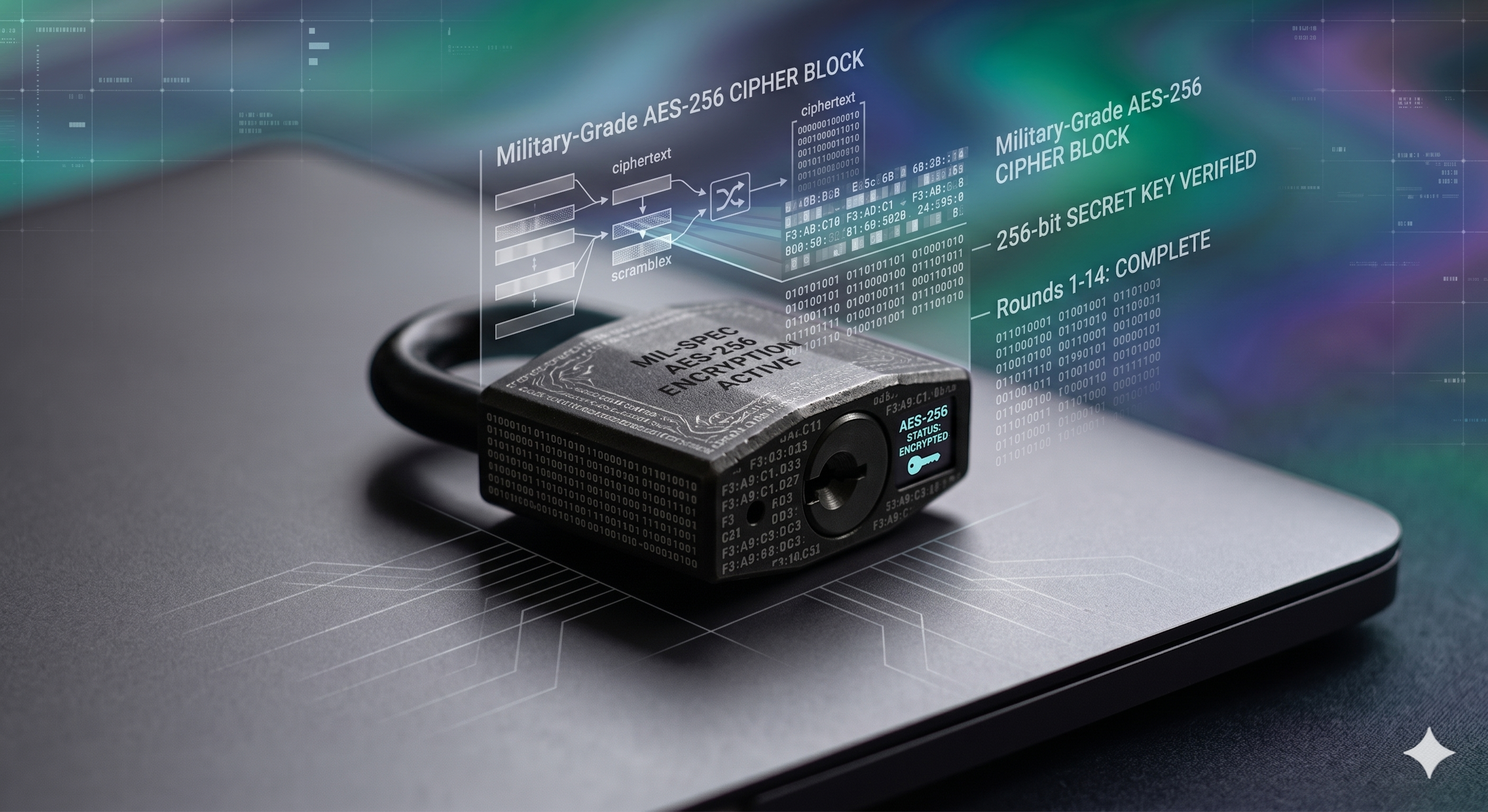
Most file encryption software (like 7-Zip or commercial suites) uses Symmetric Encryption, specifically the Advanced Encryption Standard (AES) with a 256-bit key. That means the exact same master password used to lock the file is required to unlock it.
Asymmetric Encryption To lock the file and a private key to unlock it, (like RSA up to 4096-bit) relies on a public key. This is highly secure for encrypted file sharing between trusted parties, allowing you to selectively share encrypted files without ever handing over your master password.
Interactive: Encryption Algorithm Selector
Not sure which encryption standard your files are using or which you should choose? Use this quick selector based on your use case:
The global industry standard. Fast, virtually unbreakable by brute force, and used by top-tier tools for on-the-fly encryption. Ideal for securing desktop lockers, portable USB vaults, and cloud-synced folders.
offers a system of public and private keys. Essential for secure encrypted file sharing, allowing you to grant access to co-workers remotely without exposing your primary credentials.
offers extremely fast compression with random access capabilities. Best when you need to compress and encrypt terabytes of data quickly on server environments.
Ways to Open and Manage Encrypted Files: Step-by-Step Methods
Depending on the file format (e.g., standard archives, proprietary containers, or specialized locking masks), your approach will vary significantly. Here are the standard approaches for managing encrypted data.
Advanced security suites do not just encrypt single files; they create dynamic, encrypted containers (virtual drives) that hold multiple files. Formats like .flk (Desktop Lockers) or .flka (Portable Lockers) are prime examples.
- Install the Host Software: You cannot open a
.flkaportable vault natively. You must have the corresponding application installed on the host or guest PC. - Mount the Drive: Double-click the locker file or open it through the application interface.
- Authenticate: Enter the master password. The software decrypts the container on-the-fly in the system's memory.
- Access via Explorer: The decrypted locker mounts as a standard virtual drive (often
Z:) in Windows Explorer, allowing normal drag-and-drop file access.
Advantage: On-the-fly encryption means files are never fully decrypted onto the physical hard drive, leaving no unencrypted traces to recover.
Sometimes you don't need military-grade encryption; you simply need to prevent co-workers or family members from viewing, deleting, or modifying selected folders. This is where kernel-level filter drivers come in.
Tools designed for access control let you apply selected flags to files, folders, or even entire extensions (masks like *.jpg or *.doc):
- No Access: The file cannot be opened.
- No Visible: The file is completely hidden from Windows Explorer and search results.
- No Delete: Users can view the file, but the OS prevents it from being sent to the recycle bin.
- No Write: Users can view the file, but cannot save modifications.
Limitation: This approach protects data "in use" on a shared local machine, but the files themselves remain in plain text on the disk. If the hard drive is physically removed, the data can be read.
If you downloaded a .rar or .zip file that prompts for a password, you are dealing with a standard encrypted archive.
- For ZIPs: Windows Explorer can natively open older encrypted ZIPs, but frequently fails on modern AES-256 encrypted archives.
- For 7Z and RAR: You need a dedicated extractor. You can use the 7-Zip GUI, enter the zipfile password, and extract the contents to a local folder.
- For split archives: If you are wondering ways to open a
zip.002file, you must have all parts (.001, .002, etc.) in the exact same directory. Initiate extraction on the .001 file, and the software will stitch the subsequent parts together automatically.
Format Support and Cross-Platform Handling
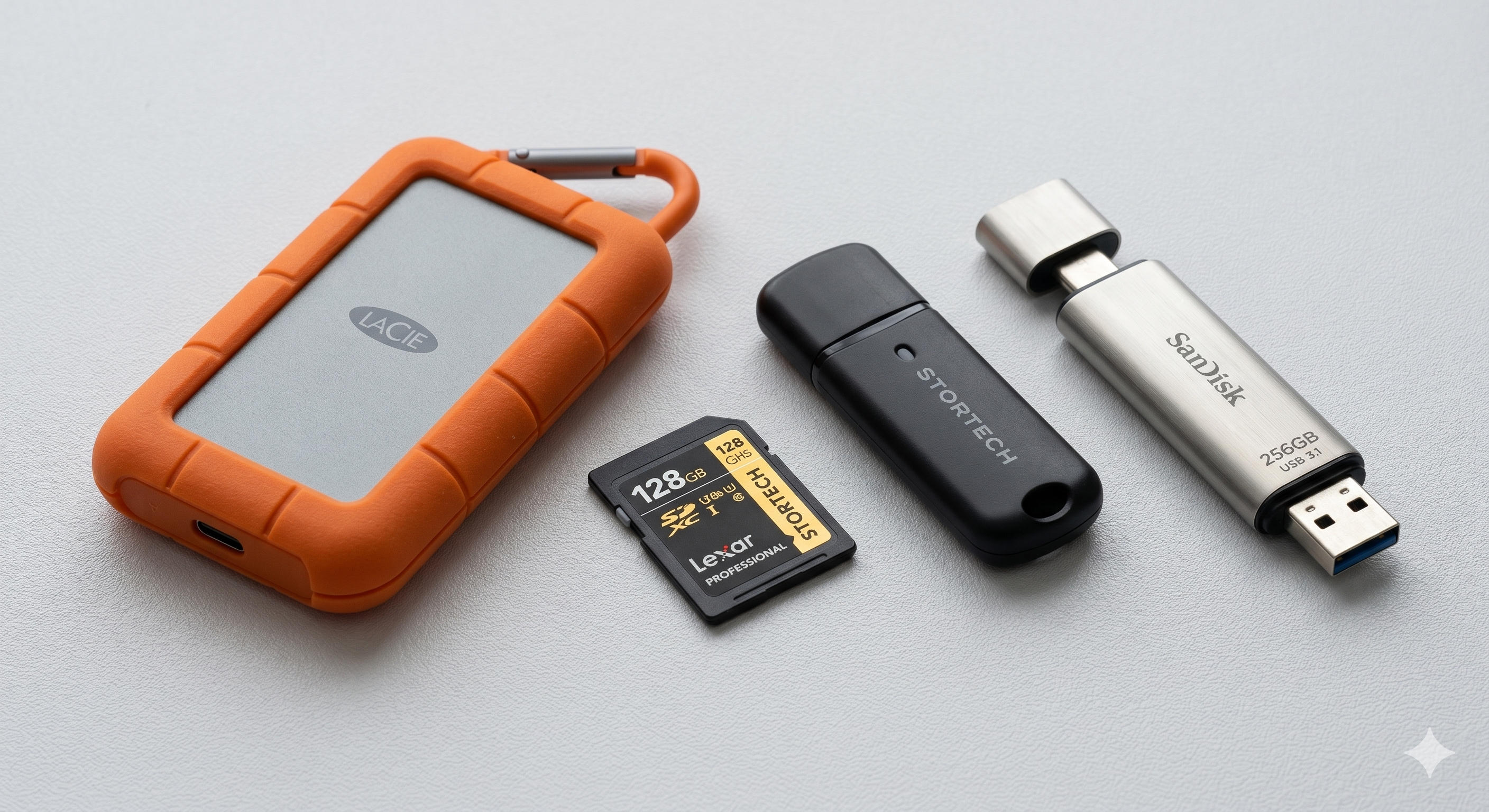
Not all encryption software handles formats equally. Some users try to use a basic "zip extractor" on a proprietary .flk virtual drive, which will immediately fail. Here is how modern tools align with file formats.
Encrypted File Format Support Matrix
Select a format to see which tools safely support it (assuming you have the correct key):
Handling Encrypted Files Across Devices
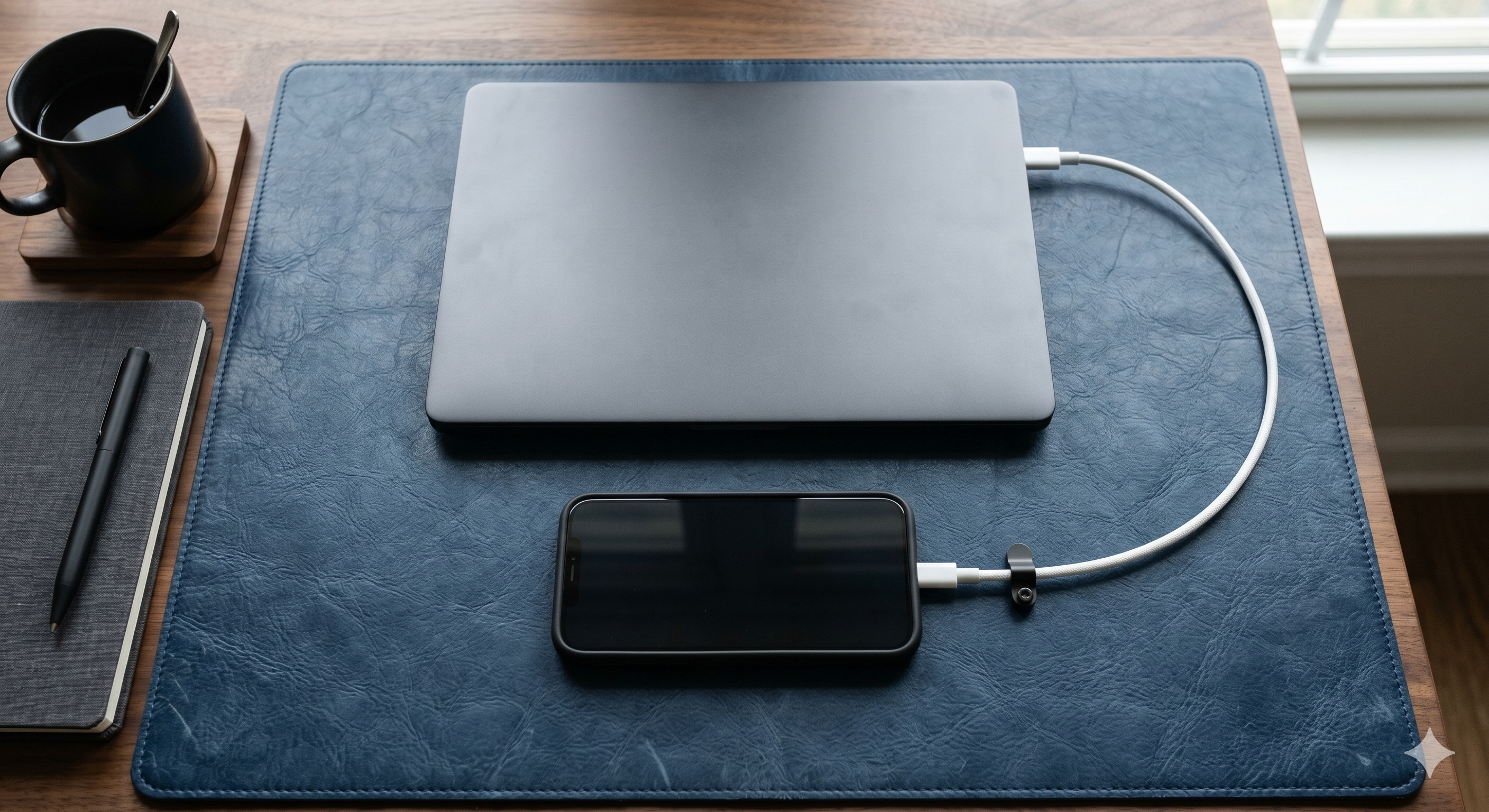
Historically, an encrypted file generated on a Windows PC was stuck there. Modern solutions have bridged this gap through synchronized cloud lockers.
If you create an AES-256 locker within a synced directory (like Dropbox, Google Drive, or OneDrive), the encrypted container is uploaded to the cloud. You can then install the corresponding security app on macOS, iOS, or Android, authenticate with your master password, and securely decrypt those files directly on your mobile device. The cloud provider only ever sees the encrypted, unreadable binary data.
Choosing the Right Encryption Software for Your Needs
While native tools handle basic ZIPs, they fall short for comprehensive workflow security. If you need to seamlessly encrypt files locally, synchronize those locked files across Mac and mobile devices, and safely share proprietary formats with remote teams, we recommend Folder Lock.
Folder Lock offers a unified dashboard to manage local desktop lockers, create portable vaults for USB drives, and secure digital wallets—without slowing down your system's performance.
Security Approaches: Encryption vs Access Control
| Security approach | Primary Mechanism | Data at Rest Protection | Best Use Case |
|---|---|---|---|
| File-Level Encryption | |||
| Folder Lock | AES-256 Virtual Drives | Absolute (Data mathematically scrambled) | Cloud sync, USB transport, total privacy |
| Open Source (7-Zip) | Static AES Archives | High (Must extract to edit) | Emailing single secure attachments |
| File-Level Access Control (No Encryption) | |||
| Folder Protect | Kernel-level Permissions | None (Data remains plain text on disk) | Shared home/office PCs, preventing accidental deletion |
| Windows EFS | User-account bound locking | Moderate (Bound to Windows login) | Basic corporate network environments |
Note: If physical theft of the hard drive is a concern, you must use true File-Level Encryption (like Folder Lock) or Full Disk Encryption (like BitLocker). Access control tools are easily bypassed if the drive is moved to another computer.
Free vs Paid Encryption Software: Is It Worth It?
When evaluating dedicated tools like Folder Lock, understanding the tier limitations is crucial for managing your data long-term.
The Free Version
- ✓ Create AES-256 Lockers
- ✓ Access Mobile Apps
- ✗ Locker Size Limit: Maximum 1 GB
- ✗ Device Sync Limit: Maximum 2 Devices
- ✗ Sharing: No remote user sharing
Best for users with a small handful of text documents or low-res photos who only need protection on a single laptop and phone.
The Pro Version ($39.95)
- ✓ Unlimited Locker Size (up to drive capacity)
- ✓ Advanced Mobile App functions
- ✓ Sync Across Up to 5 Devices
- ✓ Unlimited secure remote sharing
- ✓ Shred files & wipe free space
Essential for power users, businesses, or anyone securing large video files, full hard drives, or requiring seamless cloud collaboration.
Owner-Safe Problem Solving: Resolving Access Issues
Dealing with an error when trying to open an encrypted file or portable vault? Here are solutions for legitimate data owners attempting to recover their files.
If you transferred a portable locker to a USB drive and moved it to a new PC, it will not open natively in Windows. The host PC must have the Folder Lock application installed. Once installed, simply double-click the .flka file, enter the unique password you set during the locker's creation, and the virtual drive will mount.
Strong encryption is designed specifically so there are no "backdoors." If you forget an AES-256 master password, the data mathematically cannot be decrypted by consumer software.
Owner Recovery Steps: 1) If you are a registered Pro user, some tools let you use your original serial number as an emergency fallback master password (if you did not disable this setting). 2) Check if you generated a backup recovery key during setup. If neither applies, the data cannot be recovered.
You cannot directly convert an encrypted file online. Attempting to force a format change on scrambled binary data will permanently corrupt the file.
Fix: First, you must open the encrypted file in your local software using the password. Once the raw file (e.g., a Word doc inside the locker) is open, you can "Save As" or "Print to PDF" locally. Never upload locked containers to random online conversion sites.
Common Questions and Answers
Clear answers on cross-platform encryption, performance, and key management.
What happens if I lose my internet connection while a cloud locker is open?
If you are working inside a Google Drive or Dropbox Locker via Folder Lock, losing your internet connection will not immediately affect your access. The decrypted virtual drive is mounted locally on your machine. You can continue editing. That said, changes will not synchronize to the cloud until the connection is restored and the locker is closed.
Does encryption slow down my PC significantly?
Modern file-level encryption tools like Folder Lock utilize on-the-fly AES-256 decryption. That means files are decrypted in your system's memory only at the exact moment they are accessed, instead of decrypting the entire hard drive at once. On modern processors, the performance impact is virtually unnoticeable.
Can I open encrypted files on my mobile phone?
Yes, provided you use an ecosystem that supports cross-platform sync. By placing an encrypted locker in a cloud sync folder on your PC, you can download the corresponding companion app (e.g., the Folder Lock iOS or Android app), authenticate with your credentials, and securely view your locked photos, notes, and documents on the go.
Can law enforcement decrypt AES-256 encrypted data?
Without the selected decryption key, no. AES-256 is the standard used by governments precisely since it is currently unbreakable by brute-force attacks, even by advanced supercomputers. The only vulnerability is poor key management by the user.
The difference between Folder Lock and Folder Protect? Explained
Folder Lock is focused on cryptography—it mathematically scrambles your data using AES-256 into virtual drives. To hide files or prevent deletion and modification, but it does not encrypt the underlying file format, Folder Protect focuses on access control—it relies on Windows kernel-level permissions.
Our Verdict
Navigating encrypted file formats requires the right tools. While native OS functions handle basic archiving, they lack the flexibility for secure cross-platform synchronization, cloud backup, and robust compliance. For most users looking to seamlessly manage their privacy across PCs, Macs, and mobile devices, implementing a dedicated AES-256 tool is the safest and most efficient path forward.